Automatic reminders
The system sends reminders, debt collection notices and demands for payment in the right order and at the right time. No more manual mailings.
KK2
When an invoice falls due, KK2 takes over the follow-up. The system sends reminders, follows up and collects the money, straight into your own account. You have an overview and control all the way.
See the system
KK2 runs in the cloud and connects to the accounting system you already use. At least 80 percent of cases are resolved automatically.
Overview
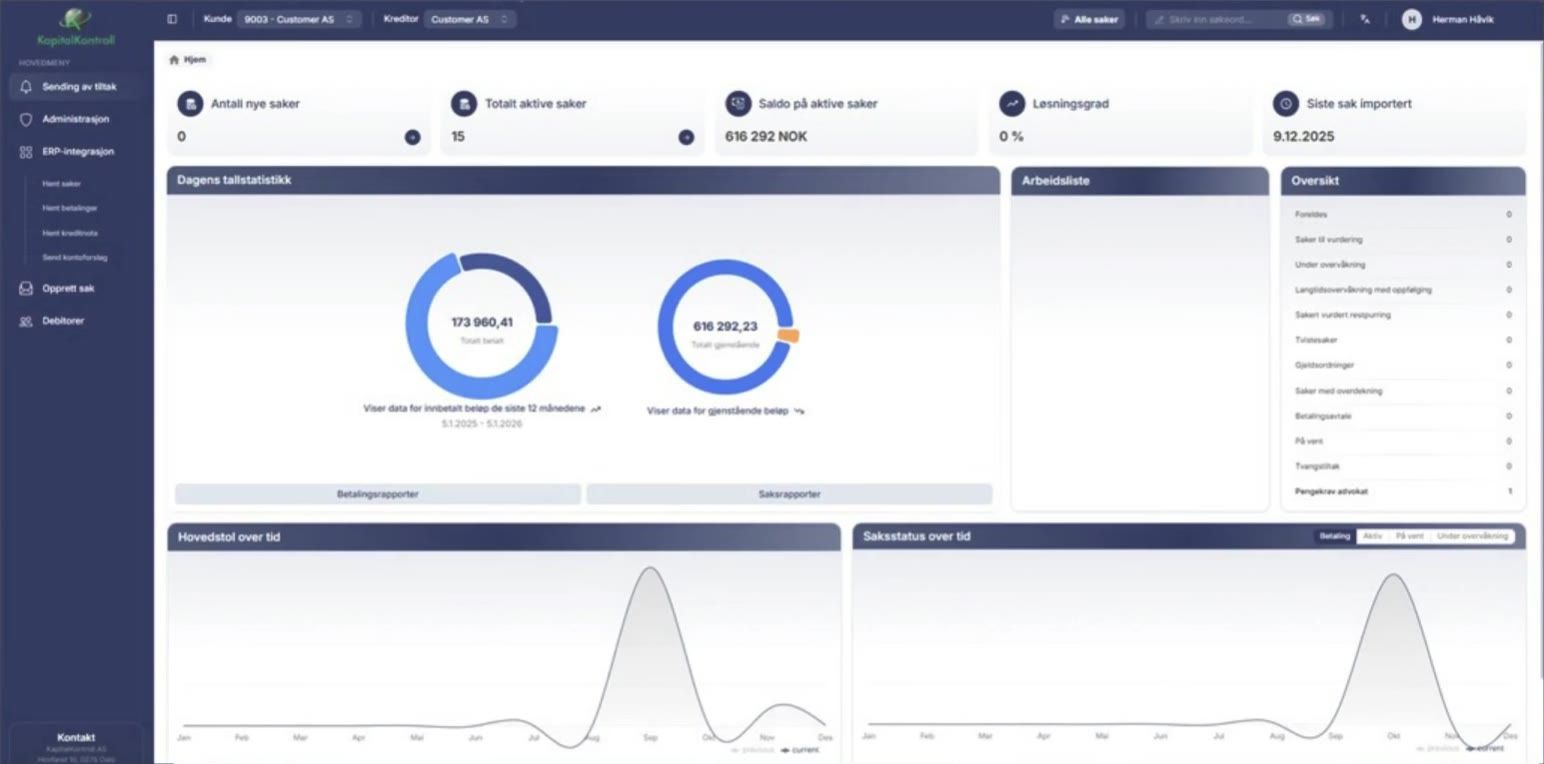
Every invoice that is not paid by the due date goes into an automatic case flow. It follows up the invoice until it is paid, or until the case is ready for legal action.
Payment plan
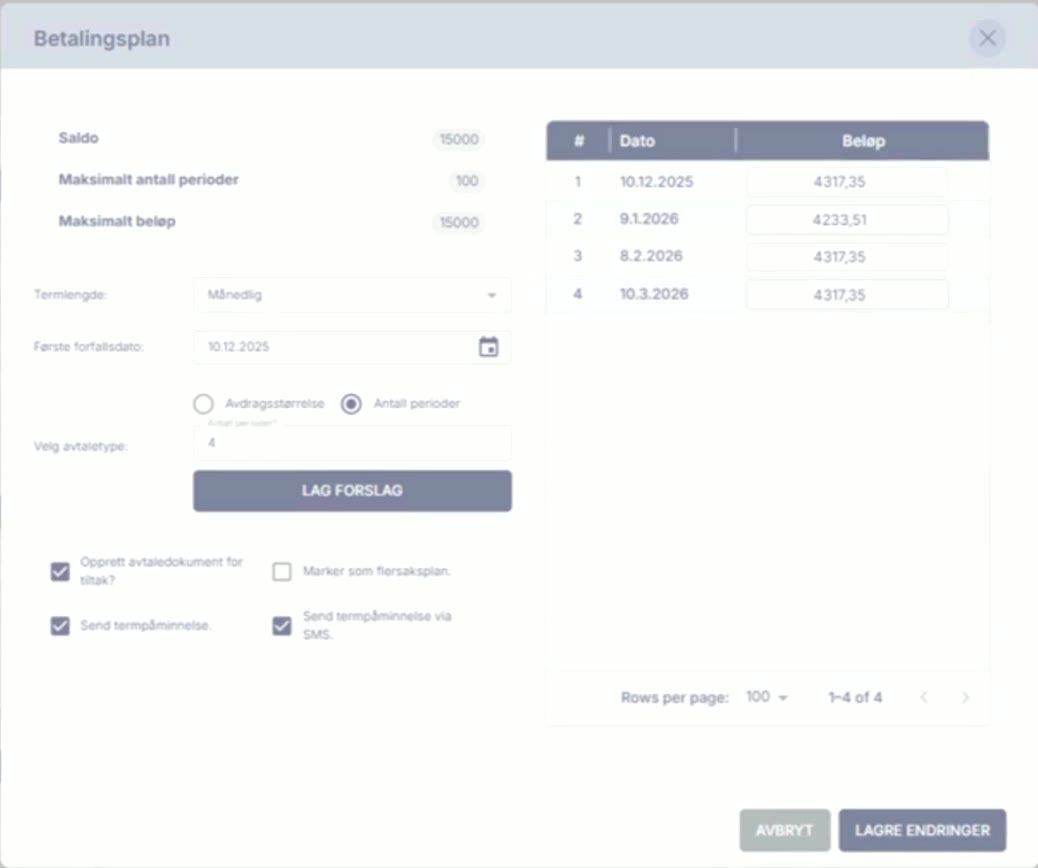
Enquiries from your customers are handled directly in the system. There you can set up instalment agreements and send pre-filled emails and text messages with a copy of the invoice and payment details.
Write-off
Because you keep the conversation with the customer yourself, you avoid coordinating between the customer, a third party and yourself. That alone saves a lot of time.
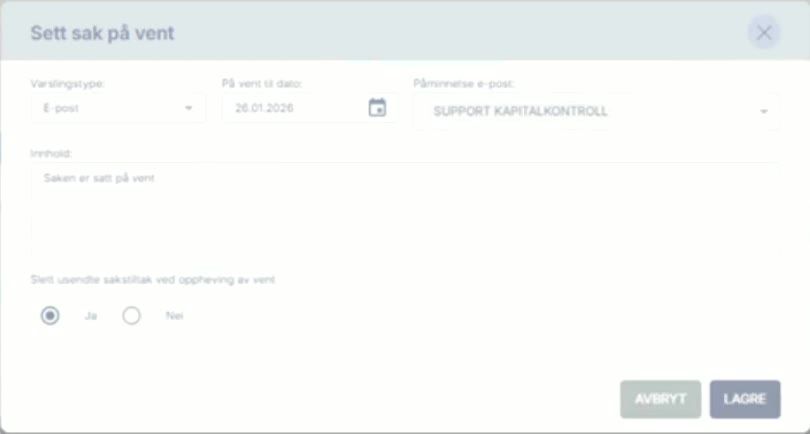
Put case on hold
You have full control and decide what happens. The money goes straight into your account.
What KK2 does for you
Automation
80 %
of all cases are resolved automatically – at least.
The system sends reminders, debt collection notices and demands for payment in the right order and at the right time. No more manual mailings.
Your customer gets a personal payment link in the reminder and by text message, and can pay with one tap. That means more customers settle early.
Your customer gets an overview of all claims and can request a payment deferral themselves, instead of calling you or an agency.
If the customer still does not pay, you can send the case to the conciliation board or the enforcement authority directly from the system.
Connected to the systems you use
Search integrations
































What do customers say?
Feedback from customers who have started using KK2.
Book a demo“This was much easier than we expected, and we have got faster payment as well as a new source of income”
“We avoid extra work with a debt collection agency and can see that we actually save time thanks to the automation and structure in KK2”
“With reminders in our accounting system we depended on individuals, it took a long time, and there was no debt collection solution”
“We no longer depend on project managers approving reminder proposals, or on the finance manager being at work, to get paid”
Book a demo
Pick a time that suits you. We show you KK2 and how it works for your business or municipality.
Or send an email to salg@kapitalkontroll.no